
Posveo serves restaurants in these markets. Pick your country — the site continues in the right language for that market.
Sign in with your restaurant account.
Get started in minutes. No card required.
The AI assistant recommends to each customer in their language and to their taste, raising the check. It also turns a photo of your paper menu into a digital one.

Suggestions matched to the customer's taste.
AZ, RU, TR, EN — in the customer's language.
Grows the order by suggesting fitting add-ons.
Turns a photo of your paper menu into a digital one.
Waiters, kitchen, checkout and delivery come together in one system — every change syncs instantly, and the manager gets a notification on their phone.
The customer asks the AI assistant.
A smart suggestion comes from the menu.
Added to the cart with one tap.
A fast, reliable system that simplifies your restaurant's daily work.
Orders, payments and the kitchen in one system — your team works with fewer clicks.
Your data is protected, the system runs non-stop and backups are automatic.
Start on the devices you already have — no extra hardware to buy.
Fast, real support for your questions, in your language.
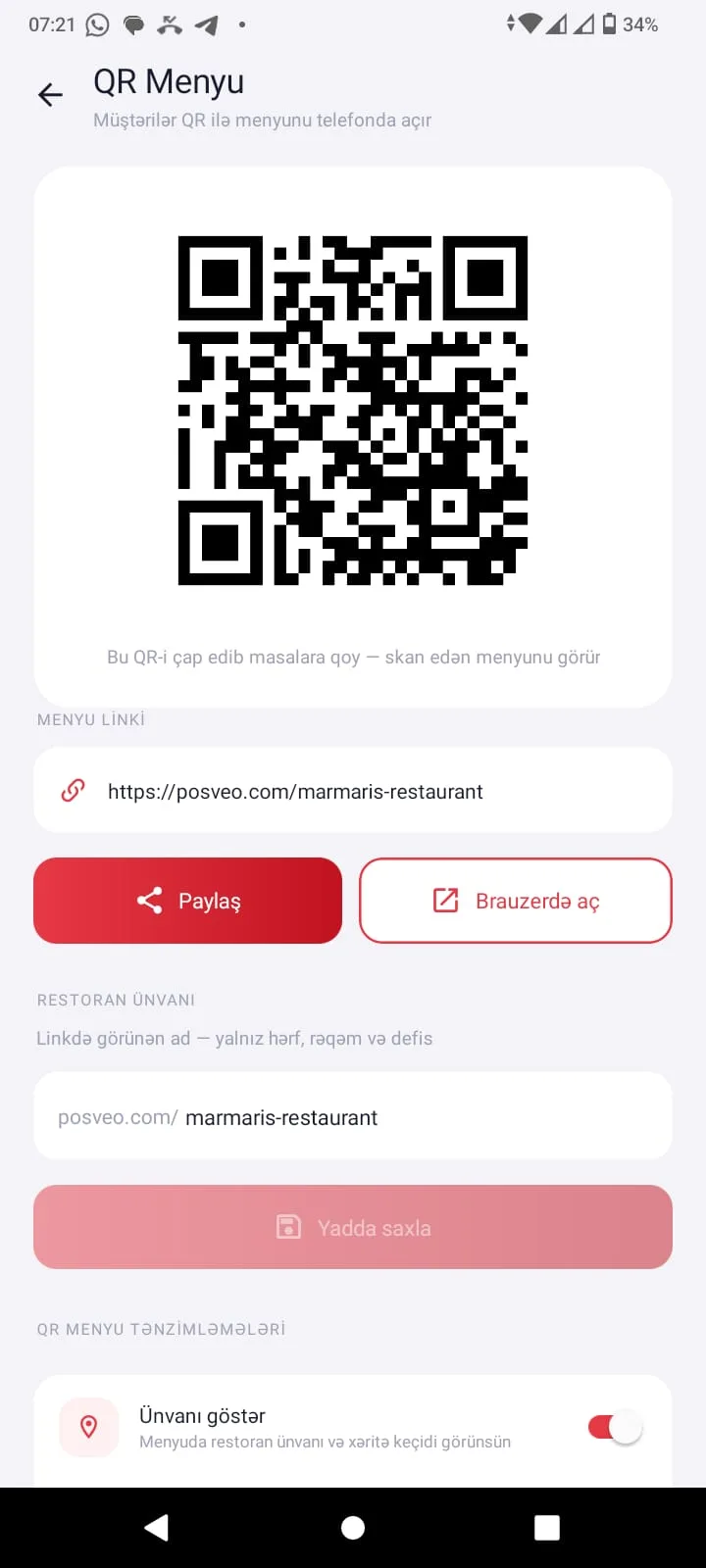
Customers open the QR menu without installing anything, chat with the AI assistant and place their order.
Your first month on Posveo is completely free — we don't ask for any card details. Upload your menu with AI in 5 minutes and take your first order tonight.
