
Posveo serves restaurants in these markets. Pick your country — the site continues in the right language for that market.
Sign in with your restaurant account.
Get started in minutes. No card required.
A desktop touchscreen, receipt printer and end-of-day reports — a complete checkout solution for your restaurant, in one place.
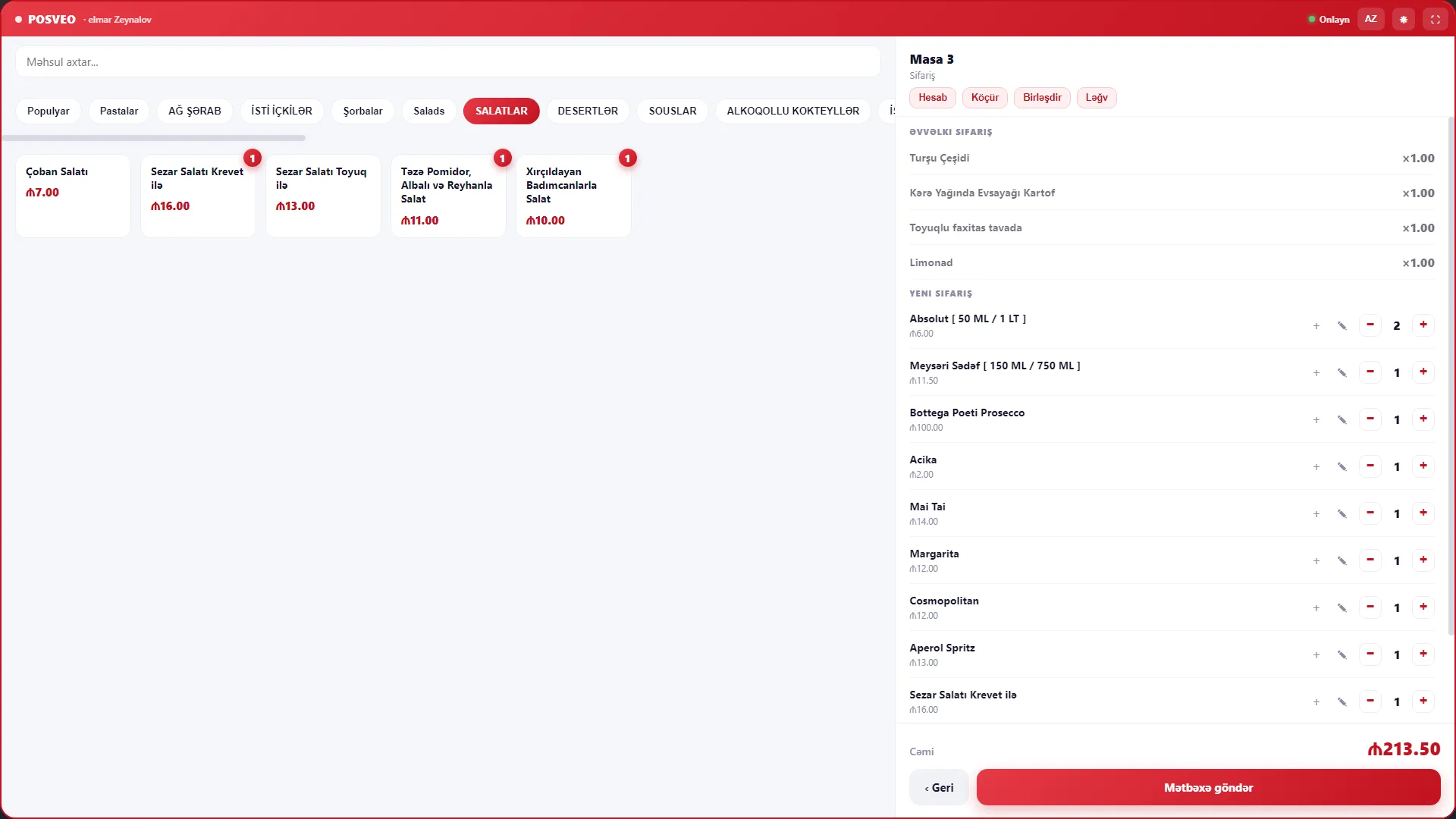
Receipts and kitchen tickets print automatically.
Works with printers, cash drawers and barcode scanners.
Shifts, cashier reports and permission levels.
Z-report, sales and revenue close automatically at the end of the day.
Waiters, kitchen, checkout and delivery come together in one system — every change syncs instantly, and the manager gets a notification on their phone.
Sign in on the desktop touchscreen.
Take the order and get paid by card or cash.
Print the receipt — the end-of-day Z-report is automatic.
A fast, reliable system that simplifies your restaurant's daily work.
Orders, payments and the kitchen in one system — your team works with fewer clicks.
Your data is protected, the system runs non-stop and backups are automatic.
Start on the devices you already have — no extra hardware to buy.
Fast, real support for your questions, in your language.


Your first month on Posveo is completely free — we don't ask for any card details. Upload your menu with AI in 5 minutes and take your first order tonight.
