
Posveo serves restaurants in these markets. Pick your country — the site continues in the right language for that market.
Sign in with your restaurant account.
Get started in minutes. No card required.
Orders, kitchen, checkout, inventory, QR menu and reports — all in a single platform. Mobile and desktop.


Ten modules, one system. No technical skills required.
Fast tableside order taking and real-time tracking.
Customers scan the QR at the table and order directly.
Orders land in the kitchen and preparation status is tracked.
Fast payments, receipt printing and end-of-day reports.
Floor plan, open tabs and table status at a glance.
Courier orders, zones and delivery status tracking.
Online table reservations, calendar and guest list.
Track product and ingredient stock levels.
Customer history, contacts and segments in one place.
Sales, top products and revenue analytics.
Discounts, promo codes and customer cards.
Manage staff, shifts, attendance and role permissions.
Manage and compare all branches from one account.
Smart recommendations for customers on the QR menu, in their language.
Create an account with no card. Everything is free for the first month.
Snap a photo of your paper menu — products and categories are created automatically.
This very evening. Your team gets comfortable with the system in 15 minutes.
A waiter's phone, a checkout tablet or a desktop POS terminal — Posveo runs in one system, synced in real time. No separate software, no separate learning curve.
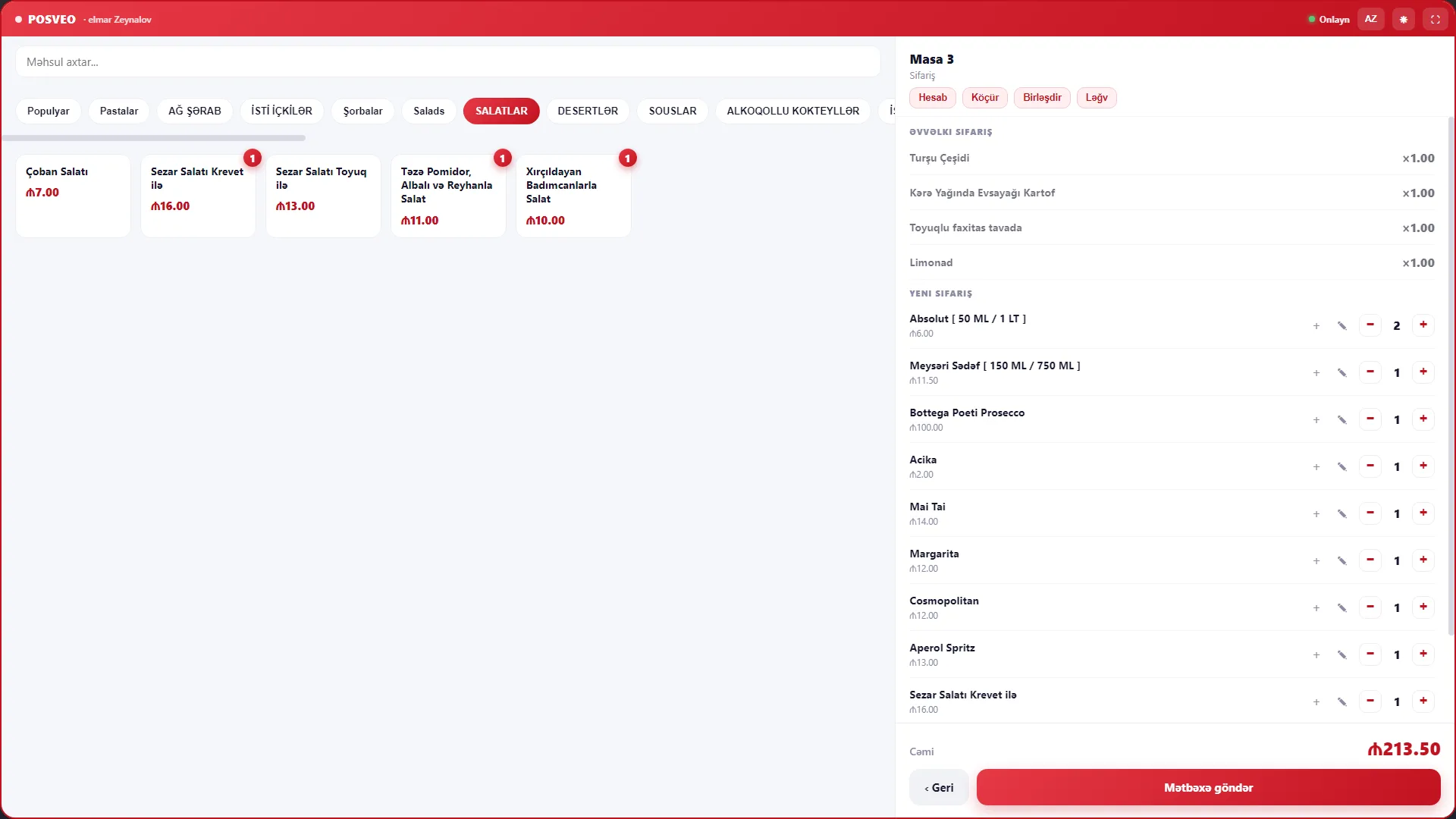
From order to kitchen, QR menu to reports — all in one flow.
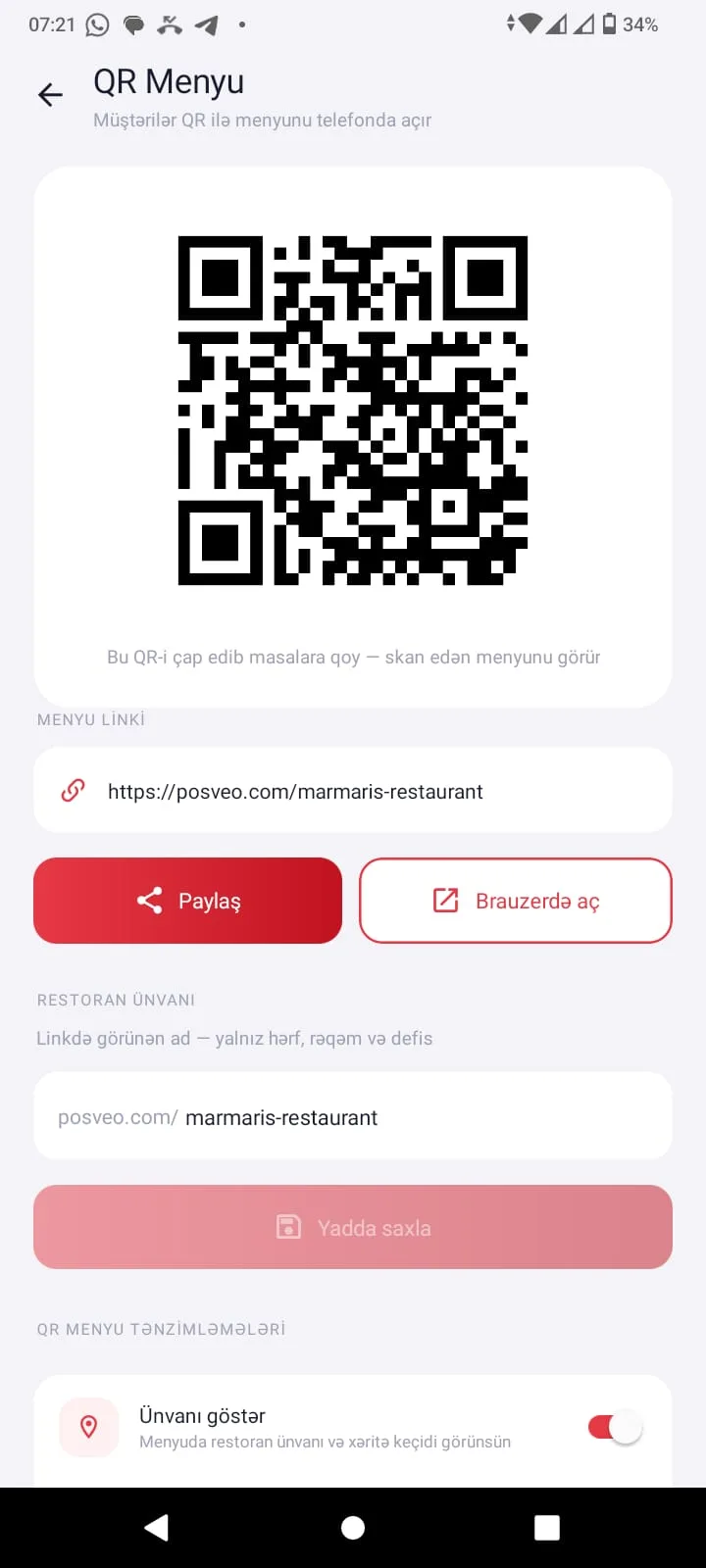
Scan the QR, see the menu, fill the cart. No printed menu needed — changes appear on the menu instantly.
Every order lands on the kitchen display, its time is counted, and one tap closes it when ready.

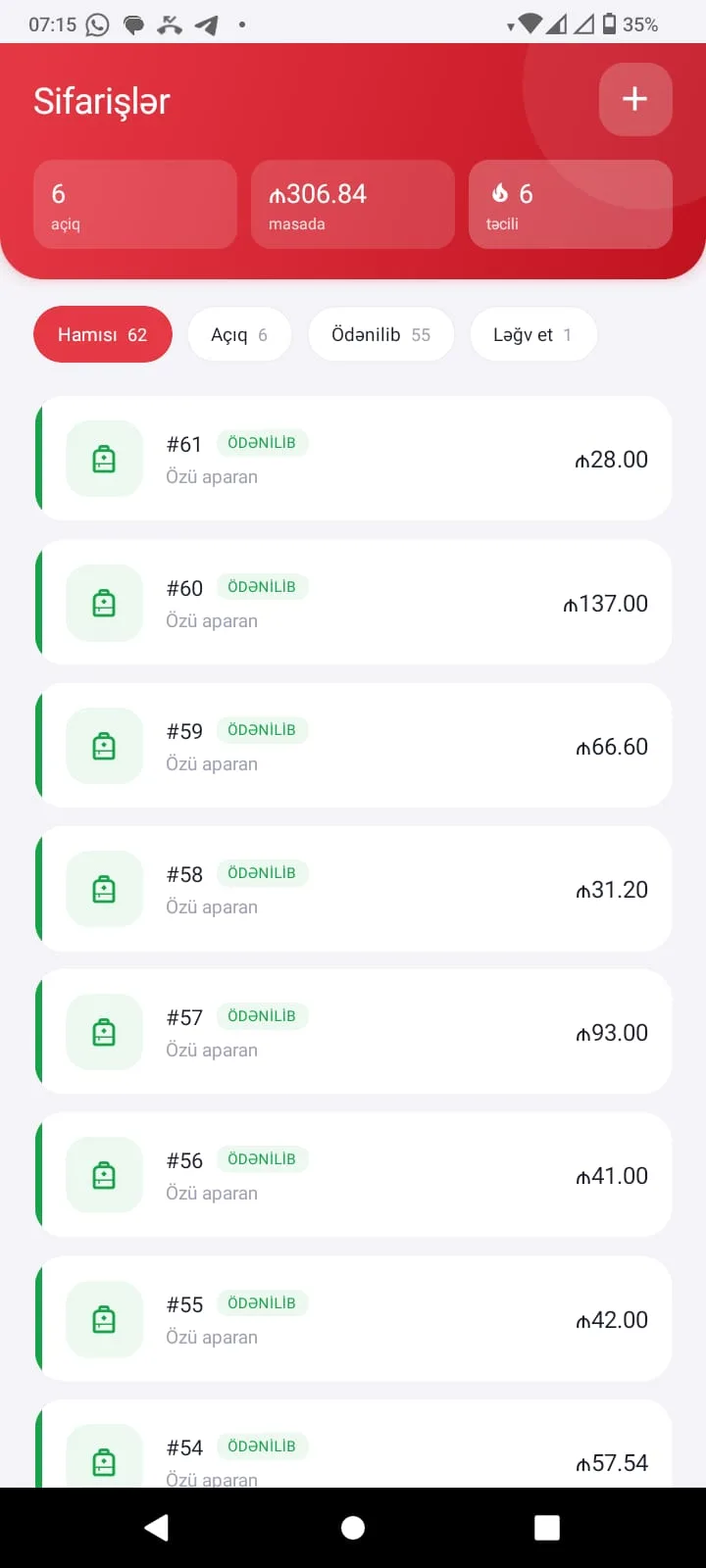
Open, preparing, served — every order in real time, with color-coded statuses.
The waiter opens the menu on their phone, picks the items and sends the order straight to the kitchen. No paper notes, no lost orders.
Free, occupied and reserved tables in real time. Merge, split or move open tabs to another table.

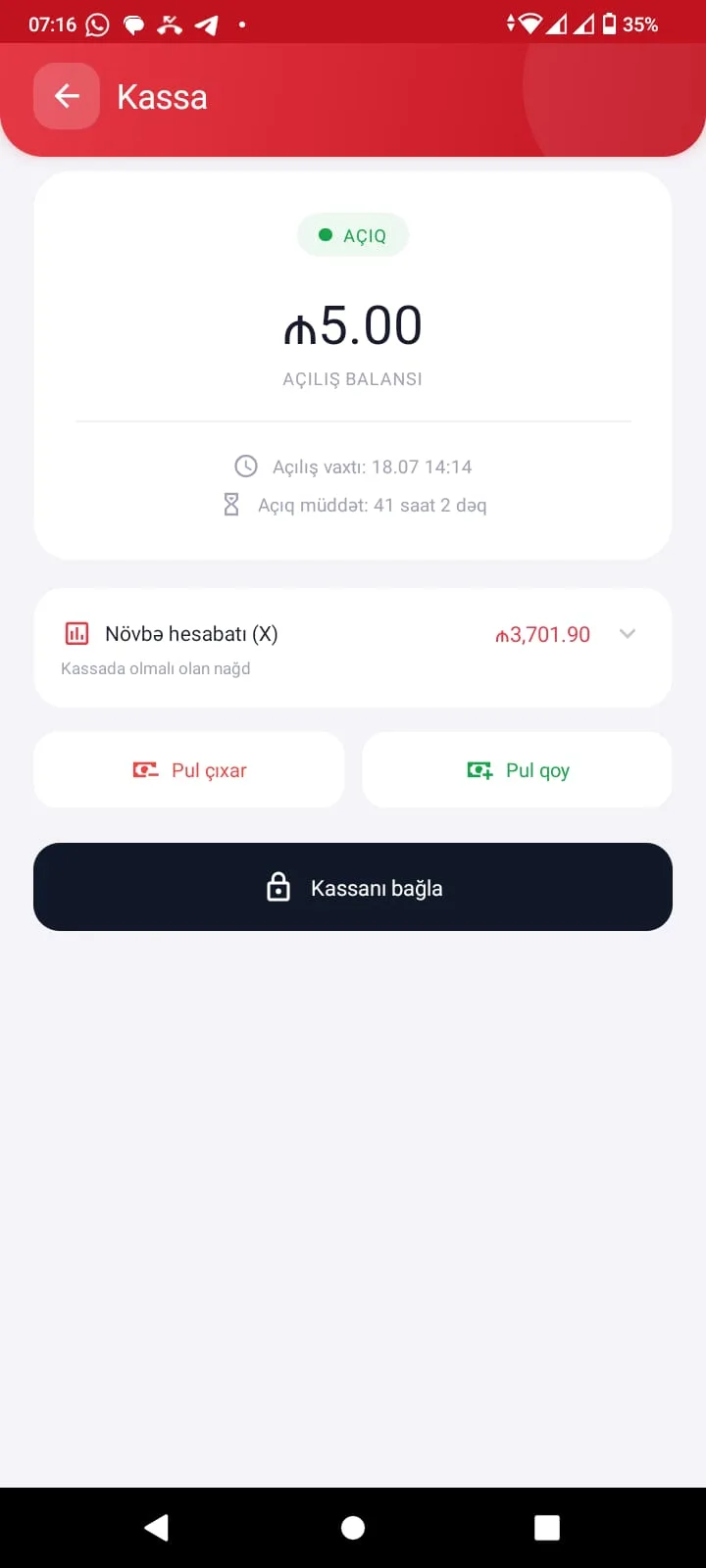
Cash, card or split bills. Print a receipt or send it by QR — the end of day closes itself.
Daily revenue, best sellers, hourly load — understand your business at a glance.
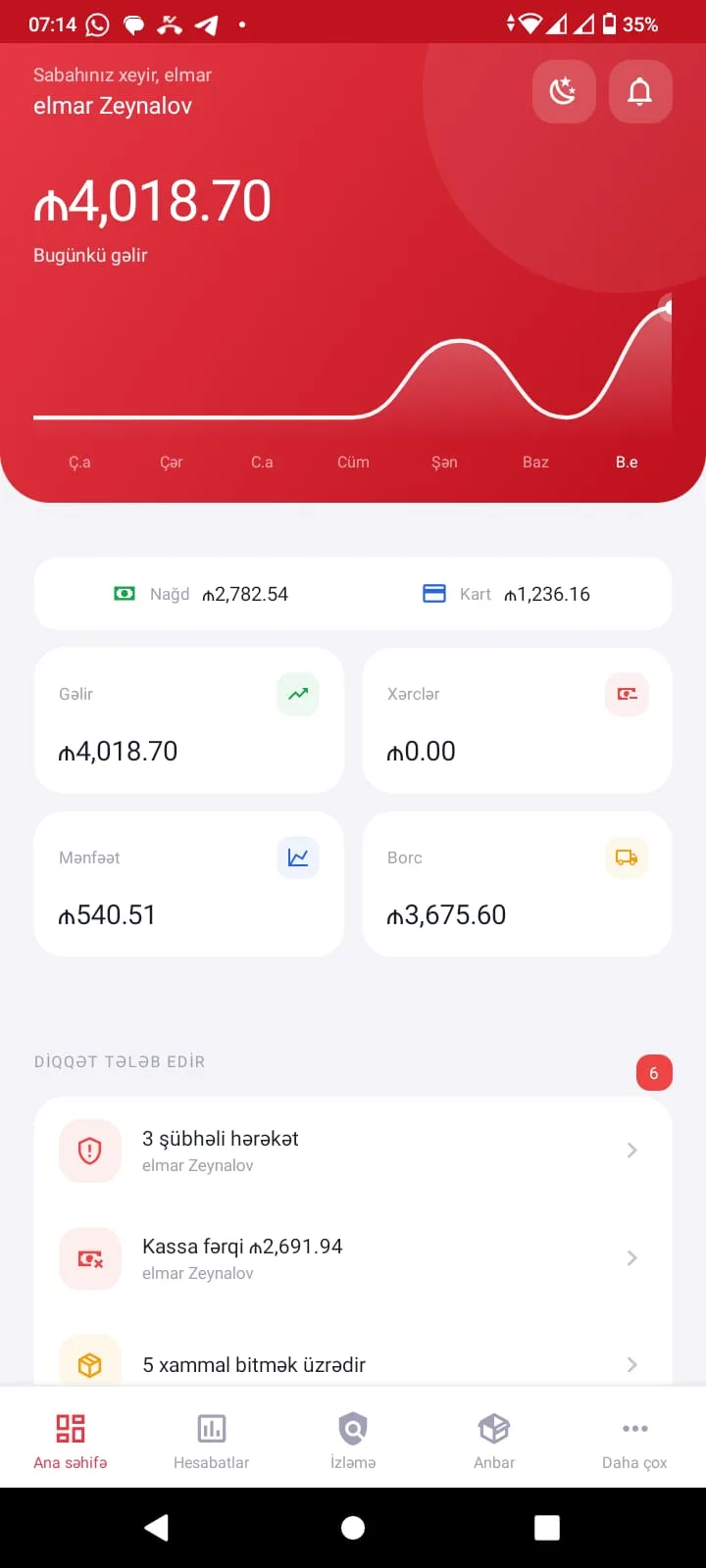
Waiter, chef, cashier, manager and customer — everyone works from their own login, all connected in the same system.
Takes orders at the table on a phone or tablet and sends them straight to the kitchen.
Receives orders on the kitchen display, follows the prep queue and closes them when ready.
Takes payments, splits bills and prints receipts — cash or card.
Scans the QR, browses the menu and orders right from the table.
Tracks sales, reports and staff activity in real time, from anywhere.
Automatically tracks stock levels, ingredient usage and shortages.
On the QR menu, the customer asks the AI assistant — it gives smart recommendations from your menu, in the customer's language, and grows the order.

Move from paper and chaos to a single, trackable system.
No technical skills required. Sign up today and get started.
Your data is encrypted and backed up daily.
Sign up, add your menu, start — it's simple.
iOS and Android apps plus Windows POS software.
We answer your questions in your language.
One package — all modules included. First month free, then ₼19/month. Cancel anytime.
One price, all modules. No hidden fees, no per-module charges, no limits.
or ₼199/year — save ₼29
Didn't find what you're looking for? Write to us.
Your first month on Posveo is completely free — we don't ask for any card details. Upload your menu with AI in 5 minutes and take your first order tonight.
